Looom for Construction

Document conditions.
Protect your contract.

Photo-first field documentation for site supervisors, GCs, and owners reps. Offline-ready. Built for the pace of the job site.

01

Capture it

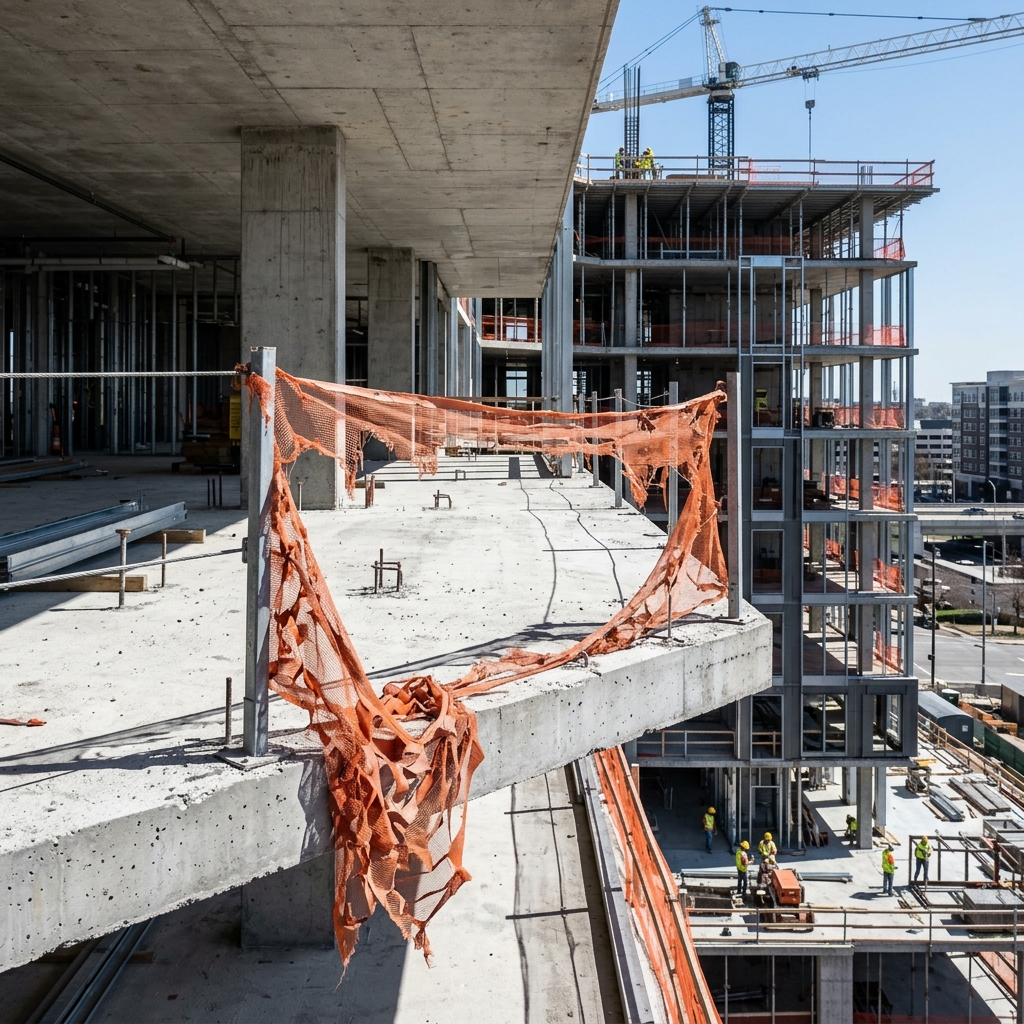
Without a timestamped record, every defect becomes he-said-she-said at the change order meeting. Snap a photo – AI identifies the trade, suggests severity, writes the note. GPS, weather, and timestamp locked in. Your record holds up when scope is disputed.

02

Track it

An untracked punch item becomes a back-charge. Named lists with sequential numbering, trade assignment, due dates, before-and-after photos. Status from open to closed – nothing gets argued at closeout.

03

Report it

A PDF in an email thread protects nobody. Generate AIA G711-aligned field reports and share via hosted link – architects and owners open it in any browser. No attachment limits, no lost files.

Punch lists that
actually get closed.

Named lists. Sequential numbering. Trade assignment. Status workflow from open to closed. Before-and-after photos. Rejection notes. Due dates.

An unresolved item at closeout is a back-charge waiting to happen.

  • Walk Mode – Camera loops while you walk the site. Capture items back to back without leaving the app.
  • Defect promotion – One tap turns a captured defect into a numbered punch item. Context carries over.
  • Annotate photos – Circle the crack, arrow the stain. The photo tells the trade exactly where to look.

Building C – Final Walkthrough

3 of 8 closed
#1 Drywall patch – unit 302 Drywall
#2 Paint touch-up – lobby Painting
#3 Missing outlet cover – hallway B Electrical
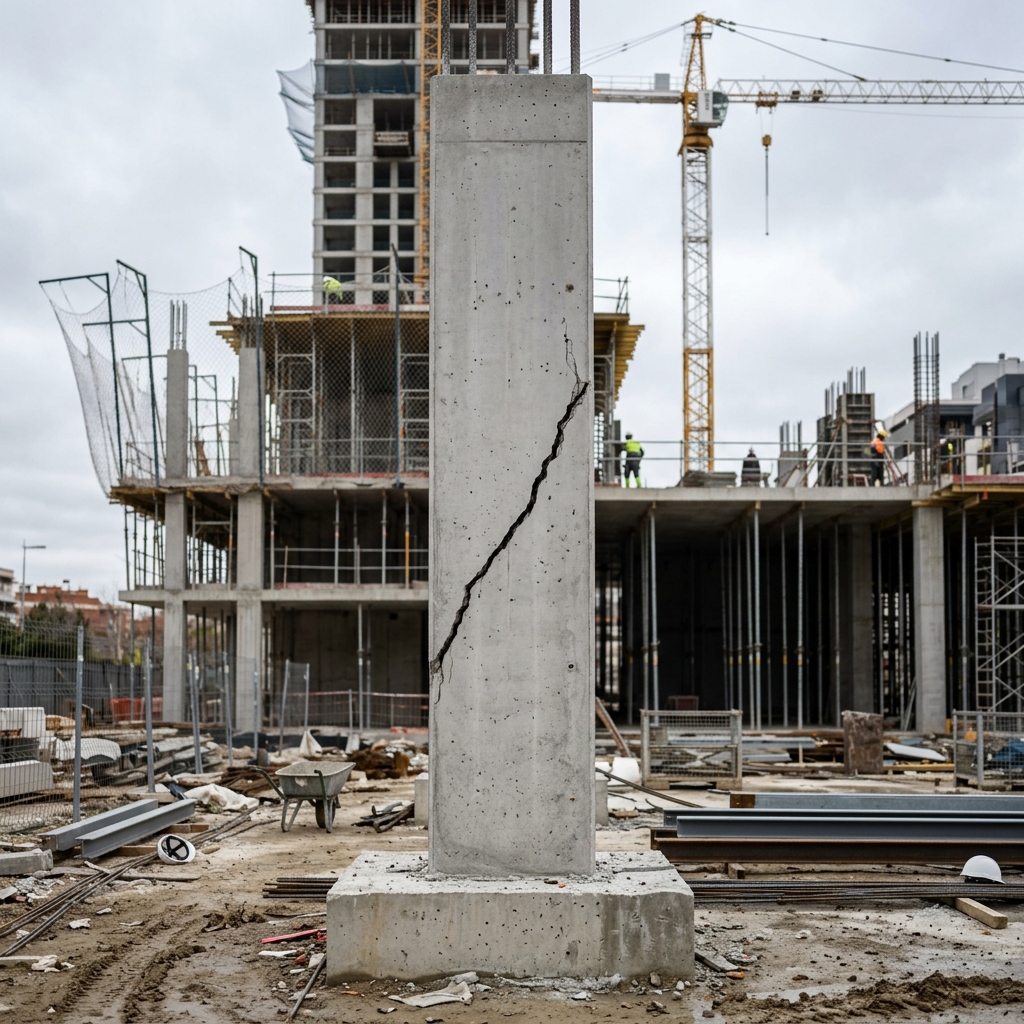
#4 Foundation crack – east wall Concrete
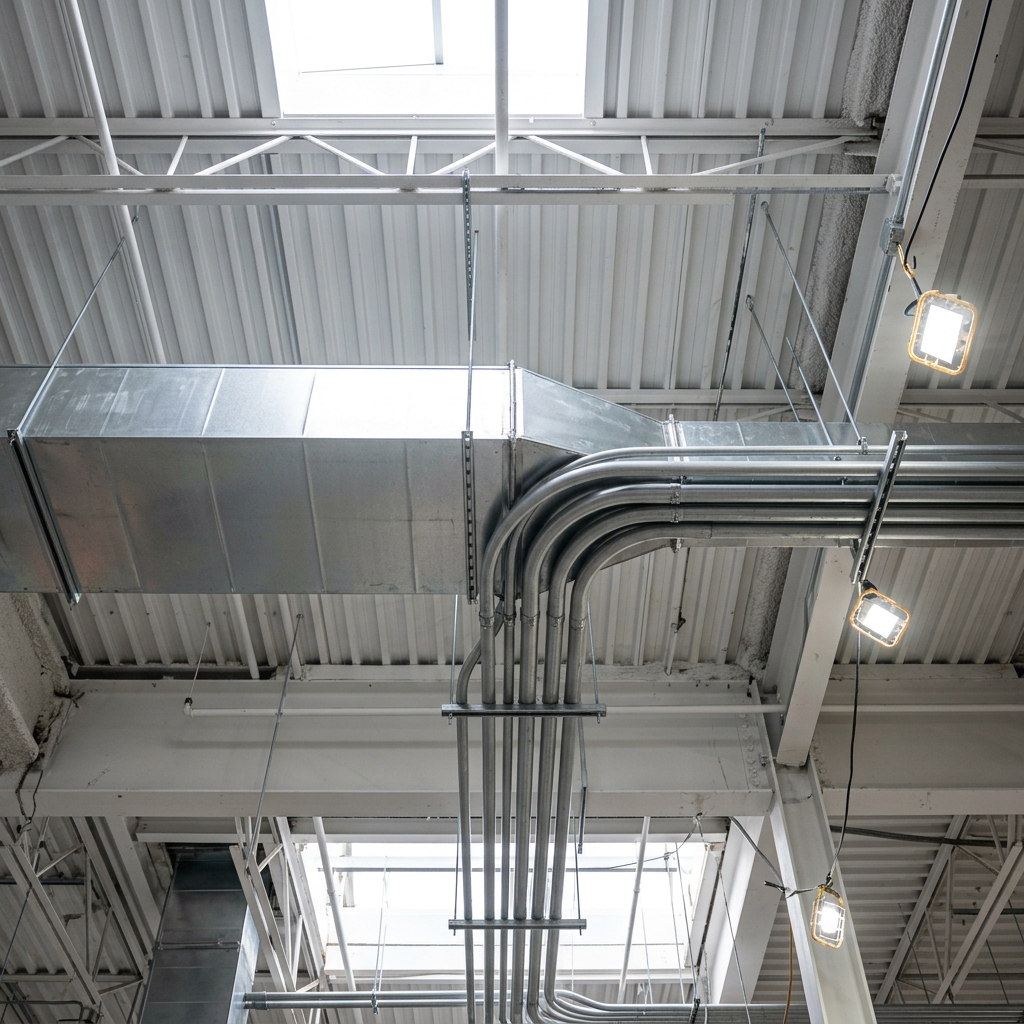
#5 HVAC vent alignment – level 3 HVAC

Subs update their items
from a link.

Share a punch list via link. The trade opens it in any browser - no app, no account. They mark items done, attach photos, leave notes. Pull their updates straight back into Looom. No more status emails.

  • Share from the iOS app - one tap
  • Sub marks done, adds photos, leaves notes
  • Pull-to-refresh syncs updates back to your device
  • Verify or reject - full sign-off workflow
share.looom.build/p/…
Assigned to you
Building C - Final Walkthrough
HVAC vent alignment - Level 3
Due Mar 20  ·  HVAC
Open
Missing outlet cover - Hallway B
Due Mar 18  ·  Electrical
Done
"Replaced and painted to match." - 1 photo attached
Drywall patch - Unit 302
Verified
Foundation crack on east wall
Analyzing photo…
Title Horizontal crack – east foundation wall
Trade Concrete
Severity Critical
Tags Foundation Structural

AI reads your photos.
You review.

Without it, defects get recorded from memory at the end of the day -- wrong trade, missing severity, no description. The record that protects your contract starts with an accurate thread.

Snap a photo. Looom generates the title, identifies the trade, suggests severity, and writes the description. Review and save.

On-device heuristics always run. Add your Claude API key for natural-language summaries from your photos and voice transcripts.
Walk the site.
Document everything.

A superintendent's morning walk generates 20 threads across 30 minutes. Opening the camera, typing a note, saving, then opening the camera again -- that friction kills documentation.

Walk Mode keeps the camera live. Snap, review the AI-generated thread, save, and the camera reopens instantly. Counter tracks how many items you've captured. End the walk when you're done.

Every thread gets GPS coordinates and weather. The walk becomes a timestamped trail across the site.

12 Items captured
Foundation crack – east wall 9:41
Steel delivery – east lot 9:38
HVAC trunk – level 3 9:34
Missing fire stop – shaft 2 9:30

The number that
settles the argument.

"It looks off" doesn't hold up. A level reading attached to the punch item does. Looom turns every iPhone into a digital spirit level with slope percentage, haptic feedback at zero, and freeze mode for capture.

Surface mode when the phone is flat. Plumb mode when it's upright. Auto-detects which you need. Attach readings directly to threads and punch items.

On LiDAR devices: AR point-to-point measurement. Tap two surfaces, get the distance in feet and inches.

0.0°
Level
Header beam – grid line C Level
Door frame – unit 302 1.2°
Countertop – kitchen Level

Built for the field

The record that holds up
when scope is disputed.

Your workflows

One app.
Every record type you need.

Daily log for the super, walkthrough for the architect, task list for the sub.

For clients

Walkthrough

CA site visits, owner walkthroughs, periodic observations. Grouped by trade, formatted for the architect's desk.

Purpose Attendees Scope Weather
Internal

Daily Log

End-of-day summary. Everything captured in chronological order – shift handoff, progress tracking, weather delays.

Time in/out Weather
On record

Incident

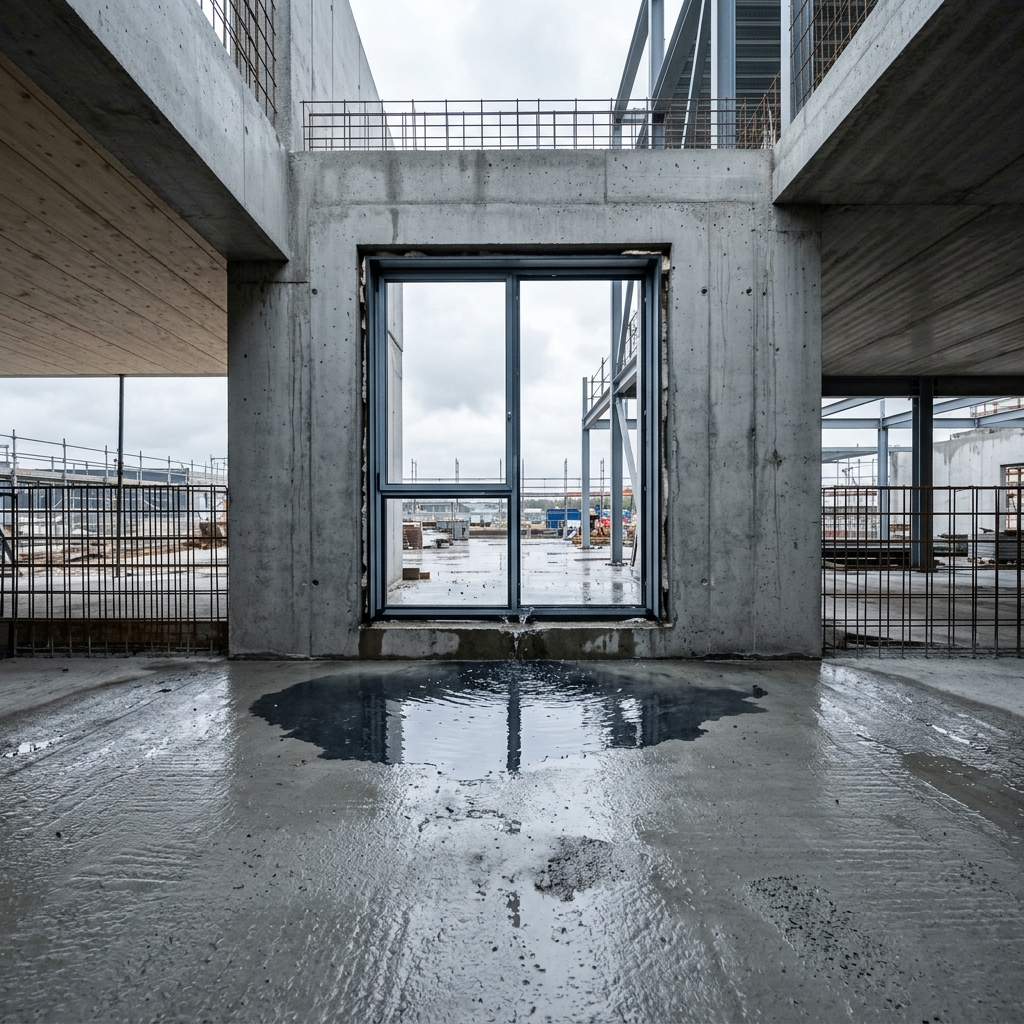
Safety near-miss, water damage, equipment failure. Timestamped incident type and location – the record you need when OSHA asks.

Incident time Type Location
Documentation

Inventory

Material deliveries, equipment on site, stored goods. Photo grid with location and purpose – the receipt the GC can reference.

Location Purpose
Walkthrough Report
Preview
ProjectWestfield Tower
PurposeLevel 4 – CA Site Visit
AttendeesR. Torres (GC), M. Chen (Arch)
Weather62°F, Overcast
Horizontal crack – east foundation
CriticalStructural
Missing outlet cover – hallway B
Open
Example

Architect walks Level 4 with the super. Captures 14 items across electrical, drywall, and HVAC. Shares a hosted link to the owner before leaving the site.

ProjectWestfield Tower
DateMarch 18, 2026
Time in6:30 AM
Weather48°F, Rain delay 10:15–11:40
Concrete pour – grid C-D
Progress
Steel delivery – 14 bundles received
Delivery
Example

Super clocks in at 6:30. Records concrete pour, steel delivery, and a rain delay. Night super picks up where he left off – one continuous record for the day.

IncidentScaffolding bracket failure
Time2:14 PM – March 18, 2026
TypeEquipment failure
LocationLevel 3 – east elevation
Failed bracket – connection point
CriticalFire Protection
Impact area – ground level
Example

Scaffolding bracket fails on Level 3. Super documents the bracket, the area, and the weather conditions. Time-stamped record filed before anyone leaves the site.

LocationEast staging lot
PurposeDelivery verification
W14x30 beams – bundle 1 of 6
Delivery
Packing slip – PO #4821
Material
Example

Steel delivery arrives at 7 AM. Super photographs every bundle with the packing slip. When the order is short three beams, the photos prove what showed up.

The report that
replaces the email chain

A PDF buried in an email thread protects nobody. When the owner asks "what happened on site last Tuesday?" the answer needs to be a link – not a search through someone's inbox.

Generate AIA G711-aligned field reports from any site visit. Photos, defects, punch items, weather, and attendance – formatted and hosted. Share a link. Recipients open it in any browser. No app required.

  • Hosted links – Set expiration at 7, 30, or 90 days. Revoke access anytime. No attachment size limits.
  • GPS and EXIF stripped – Location data removed automatically before sharing. Your site coordinates stay private.
  • Password protection -- Set a PIN on shared links. Rate-limited challenge page keeps reports private.
Field Report
Westfield Tower – Level 4
Mar 8, 2026 · Site Visit #14
Shared
Photo threads 12 items
Punch items 5 open
Defects flagged 3 critical
Attendance 4 trades

From the field

We used to lose two hours a day to documentation. Now my super walks the site, snaps photos, and the record is done before lunch. The AI gets the trade right about 90% of the time.

Marcus T. Superintendent, 240-unit residential

Had a sub dispute a back-charge last month. Pulled up the thread, timestamped photo, GPS coordinates, AI-written description. Dispute over in five minutes.

Rachel K. Project Manager, GC

The architect gets a hosted link instead of a 15MB email attachment. She actually reads the report now. That alone changed how our CA visits go.

David L. Owners Rep

The record that protects your contract.

Free during Early Access. No subscription required.

Get Early Access →